Free AI Pronunciation Checker Online: What to Look For and How to Use It Effectively

· by Spelly Team

Searching for a free AI pronunciation checker online means wading through dozens of apps that promise instant coaching but deliver generic feedback or paywalled reports. This guide explains what to look for in a genuinely useful free tool, what the limitations are, and how to get the most out of AI pronunciation feedback without spending anything.

Quick answer

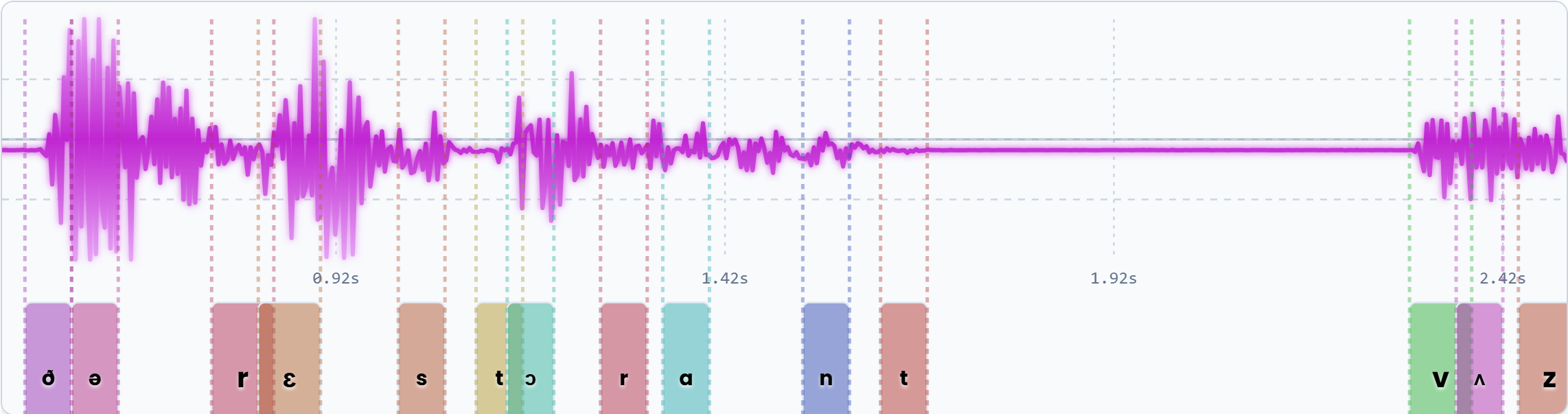
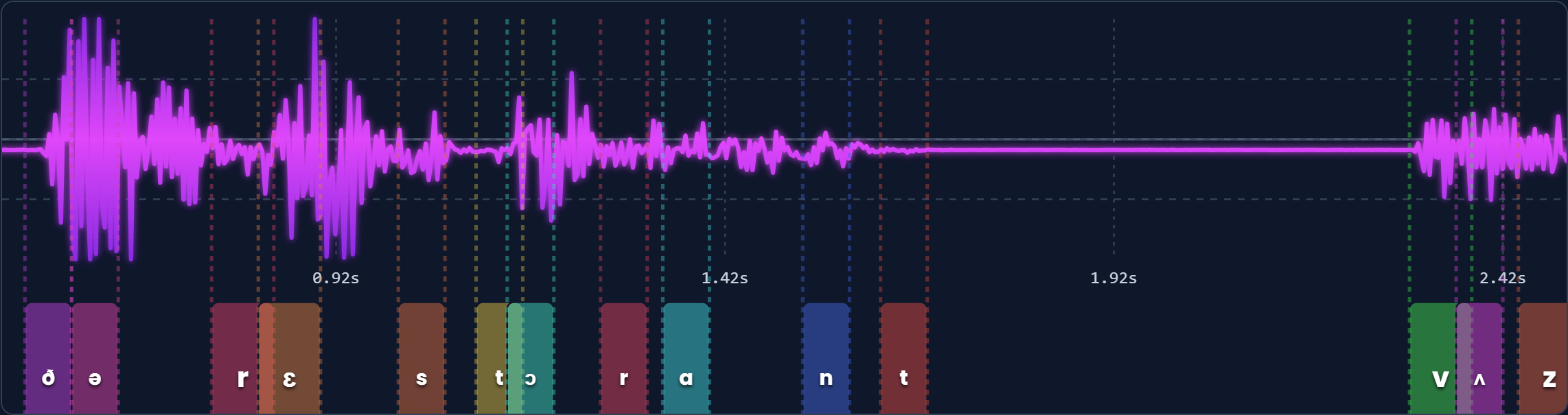
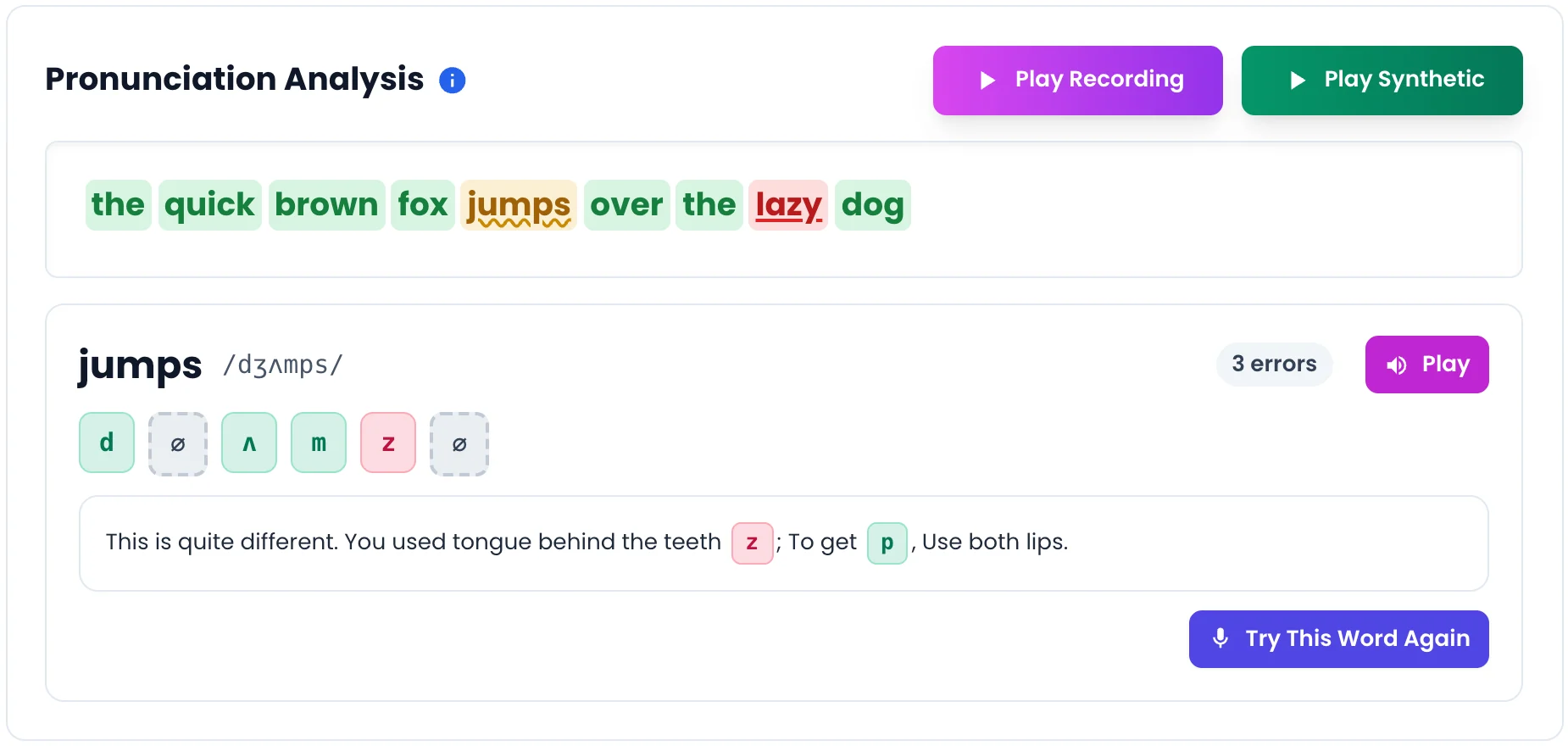
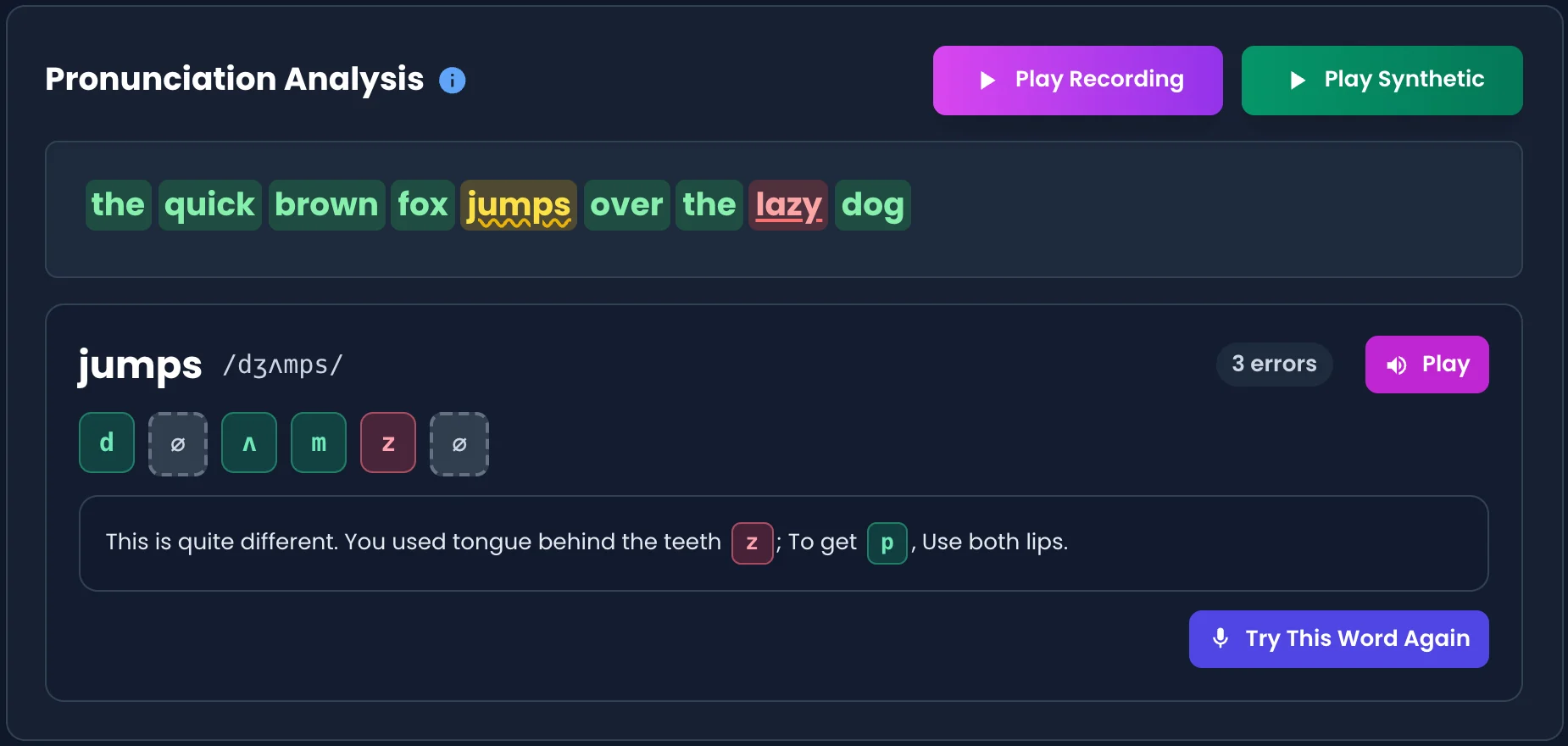
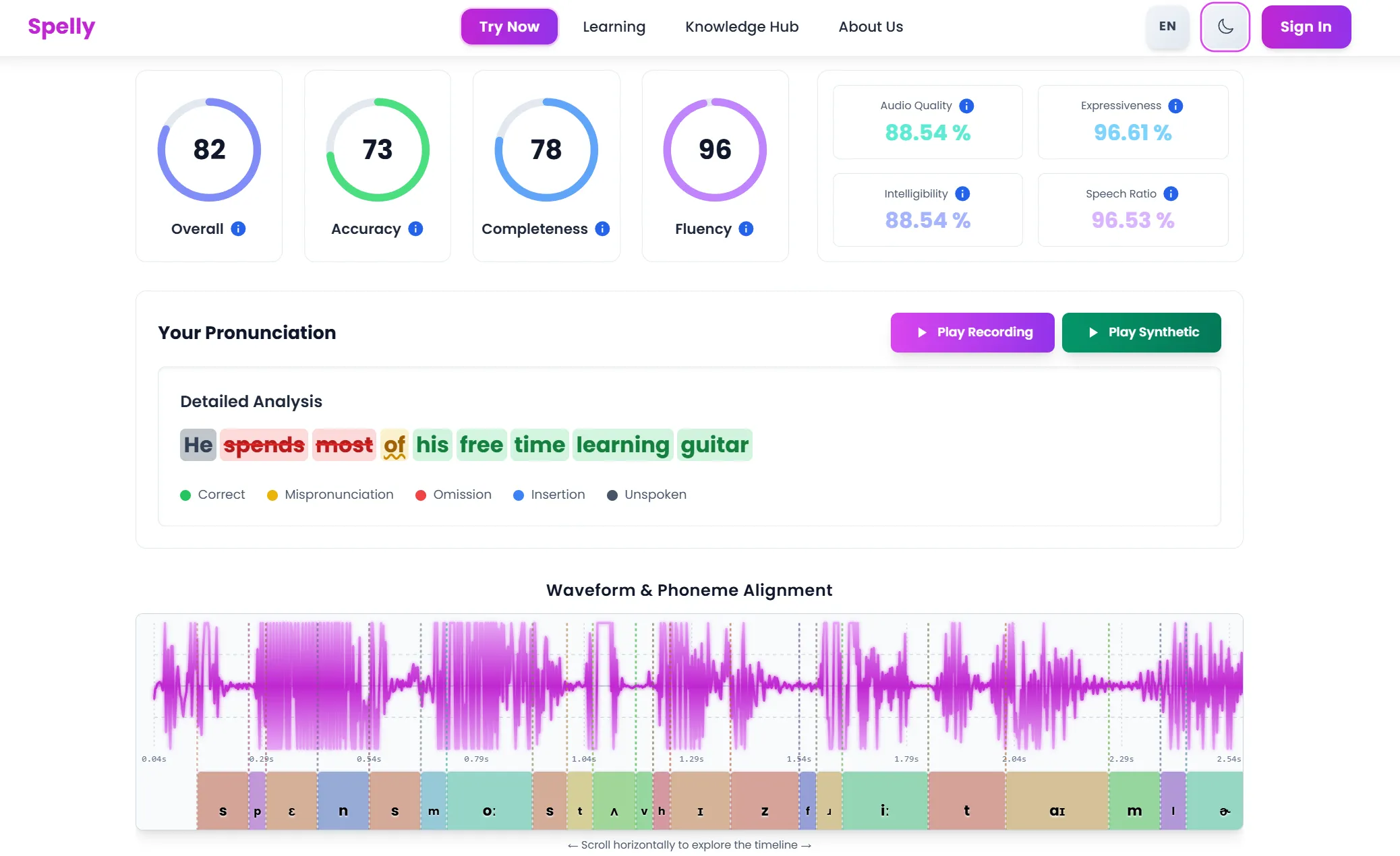
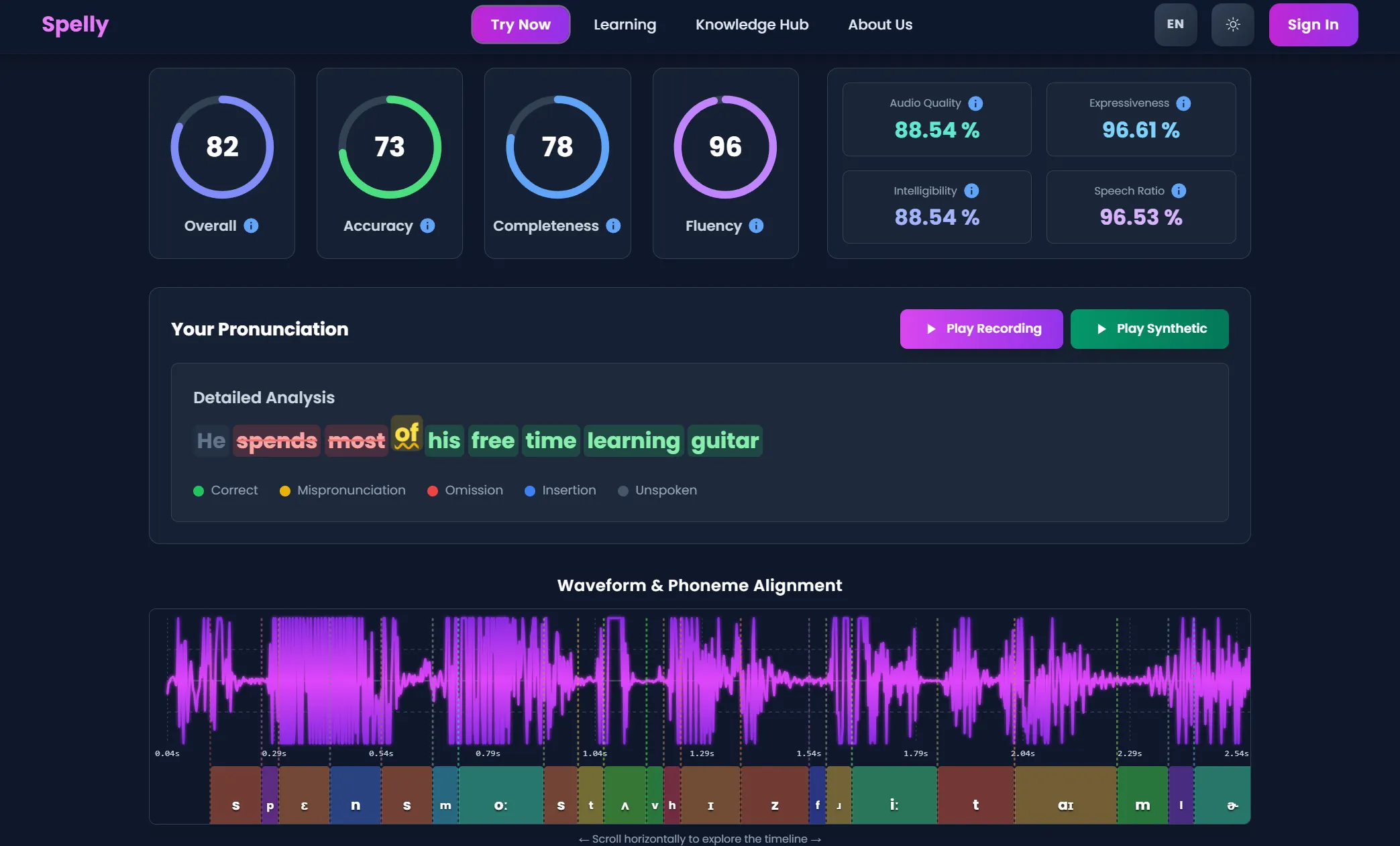
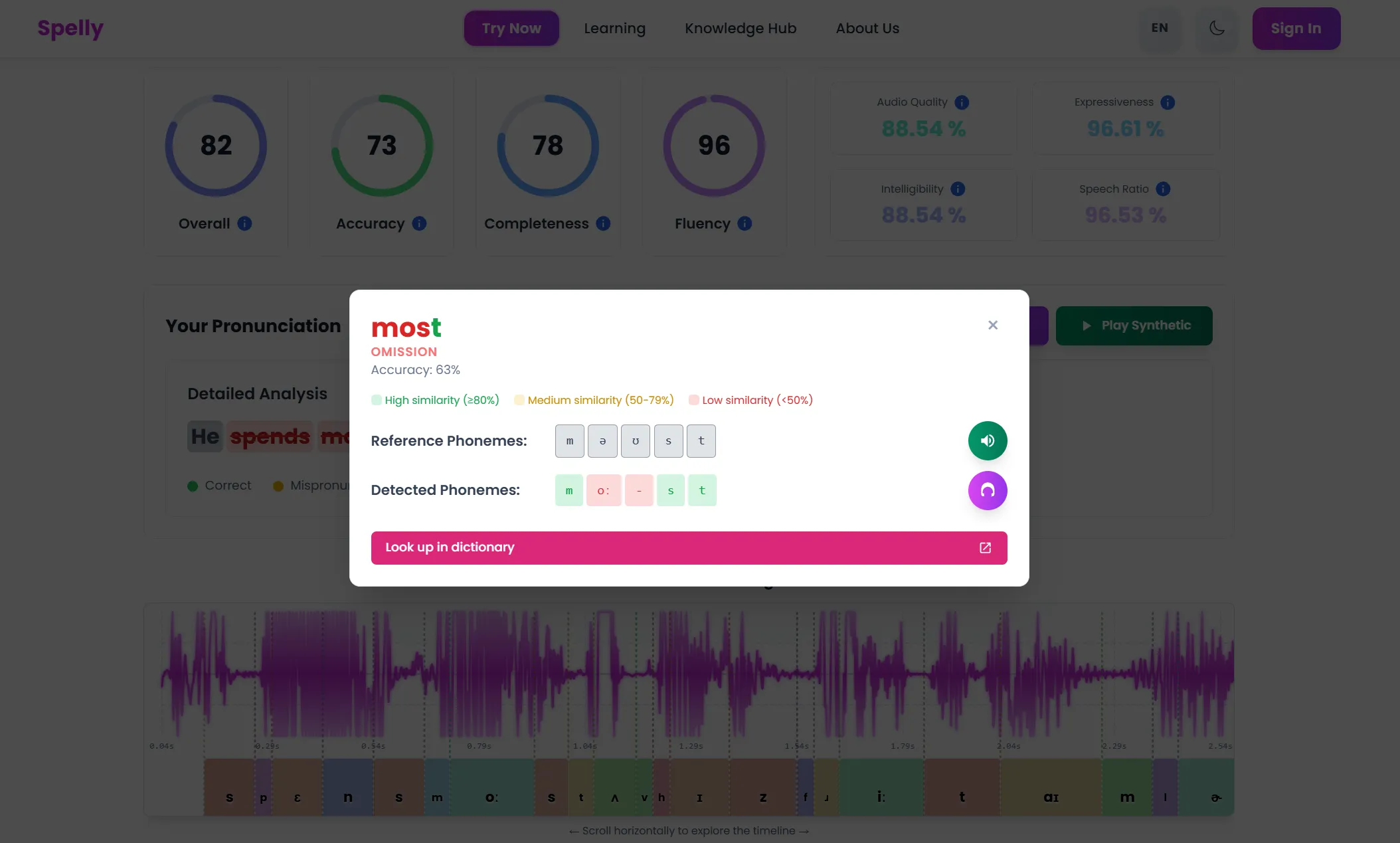
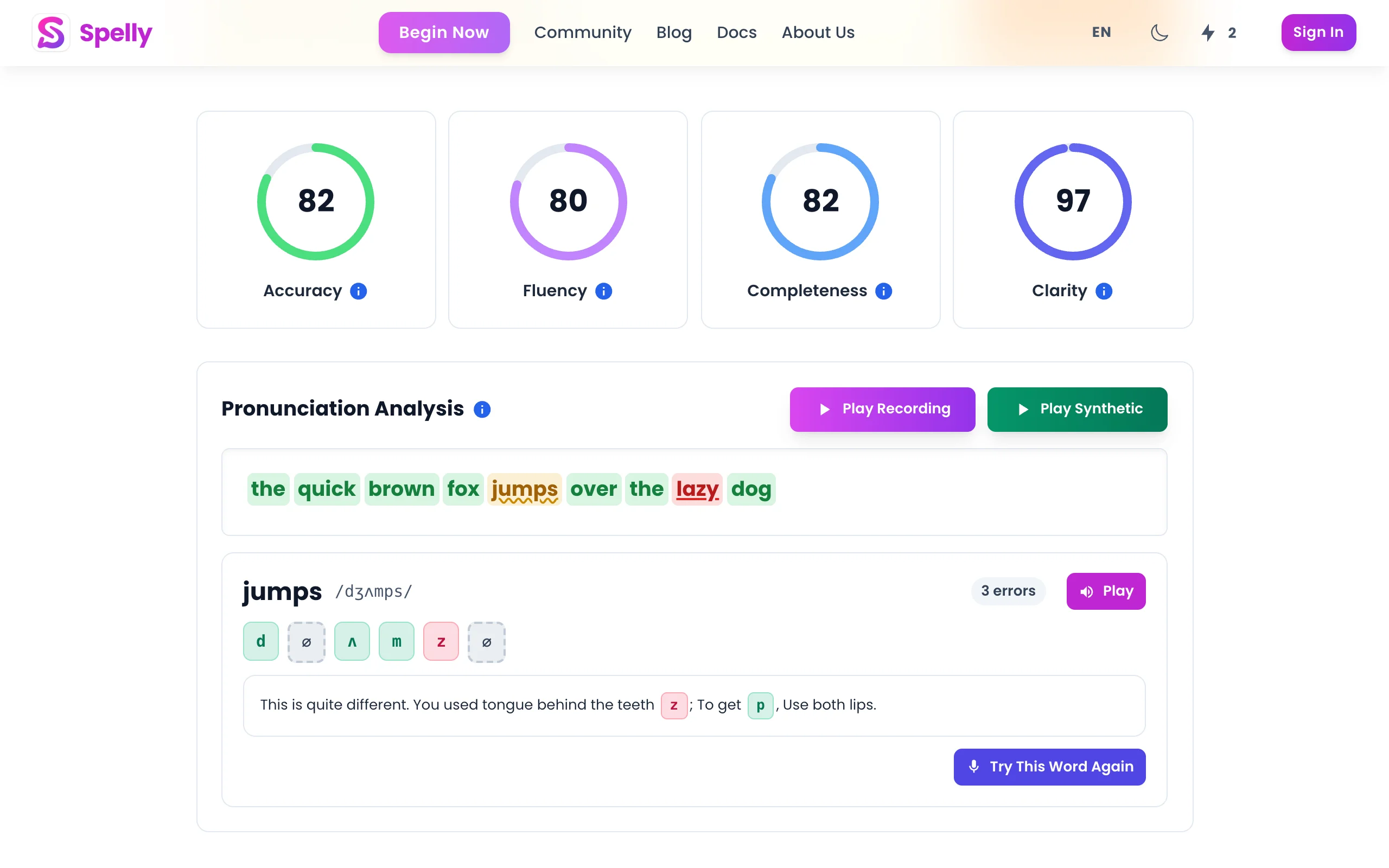
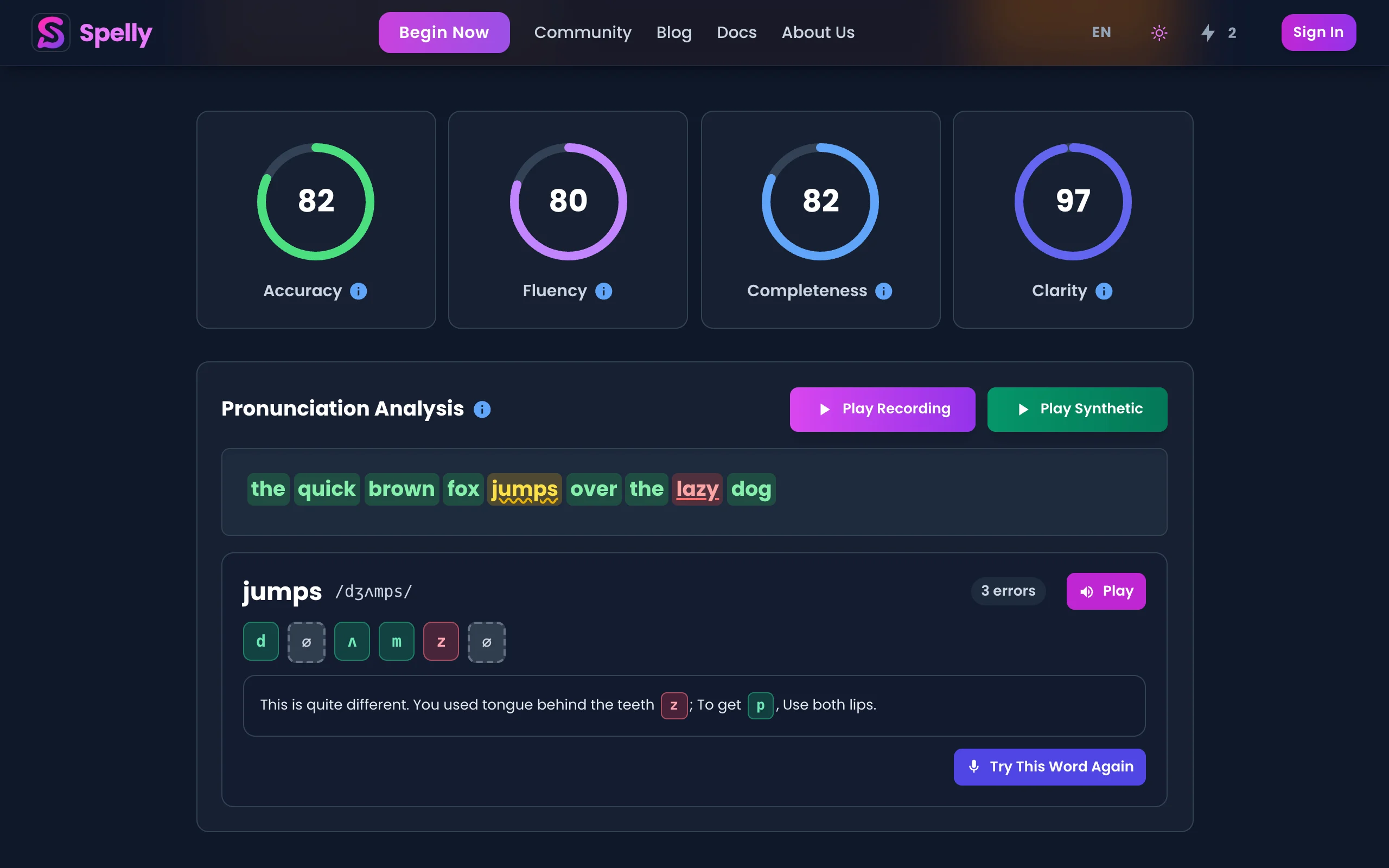
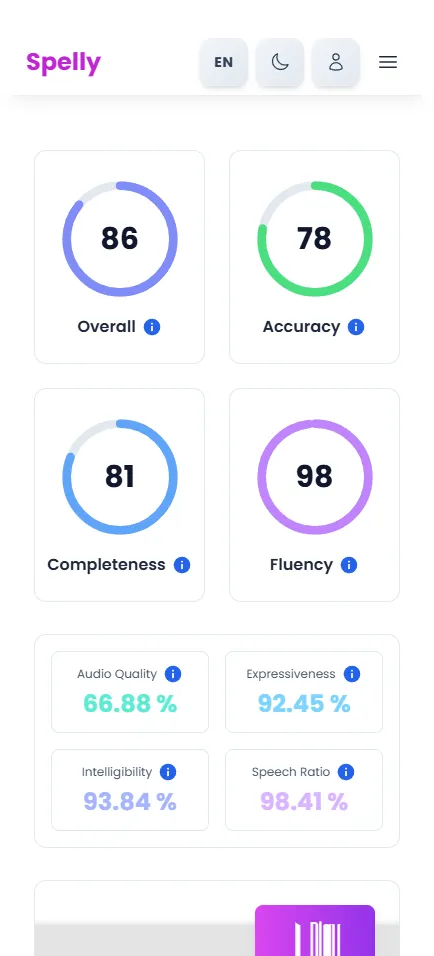
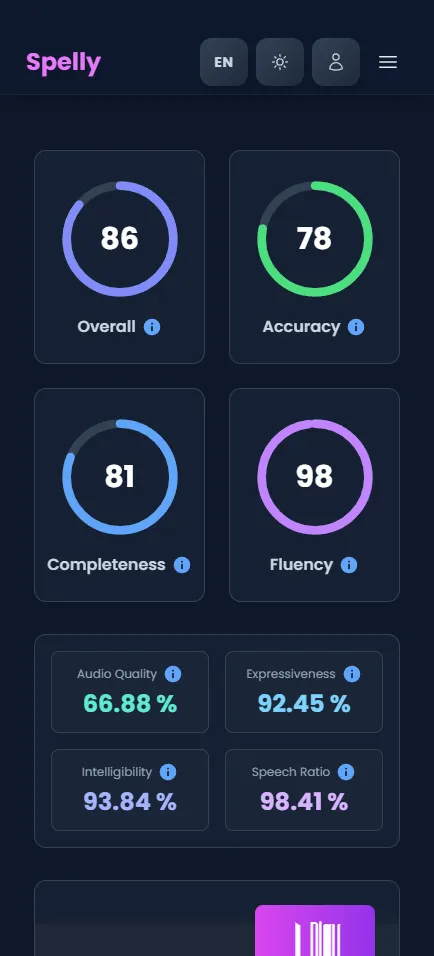
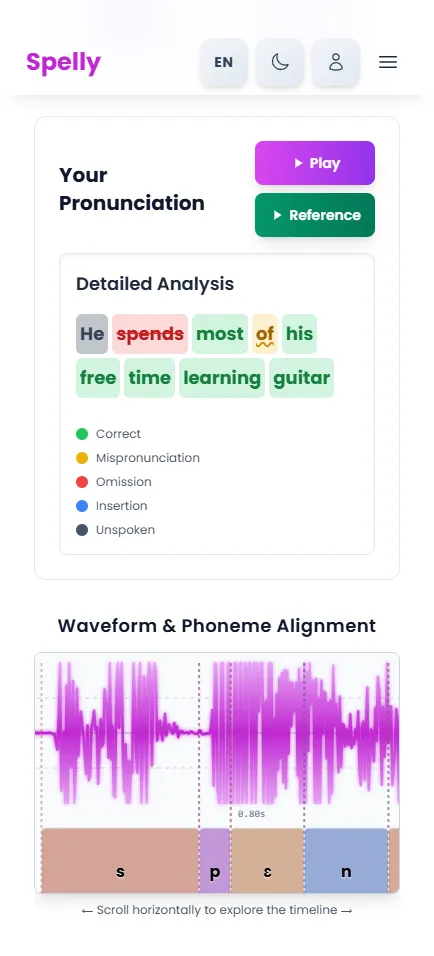
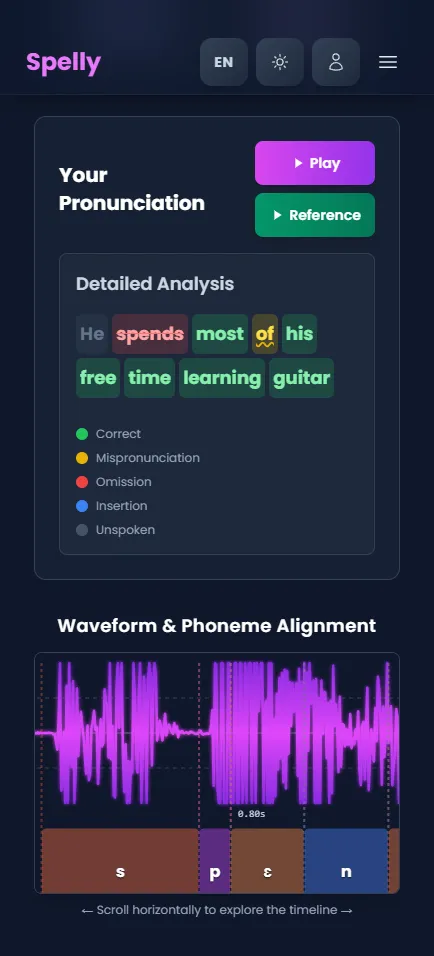
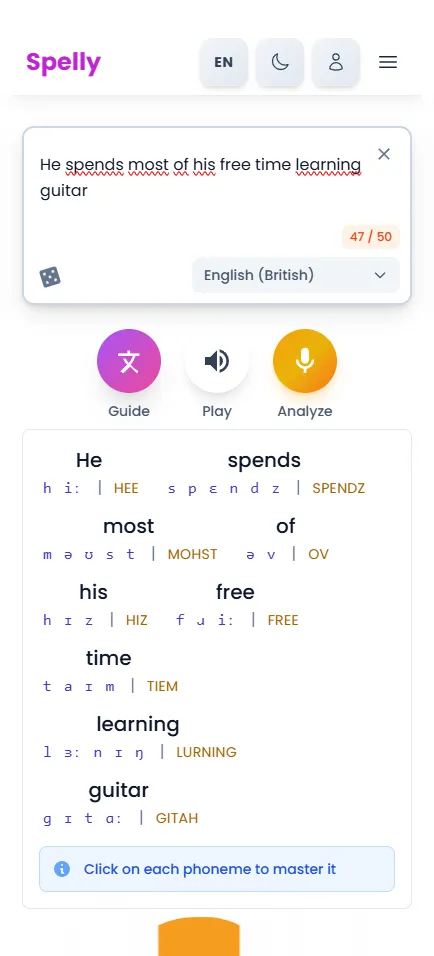
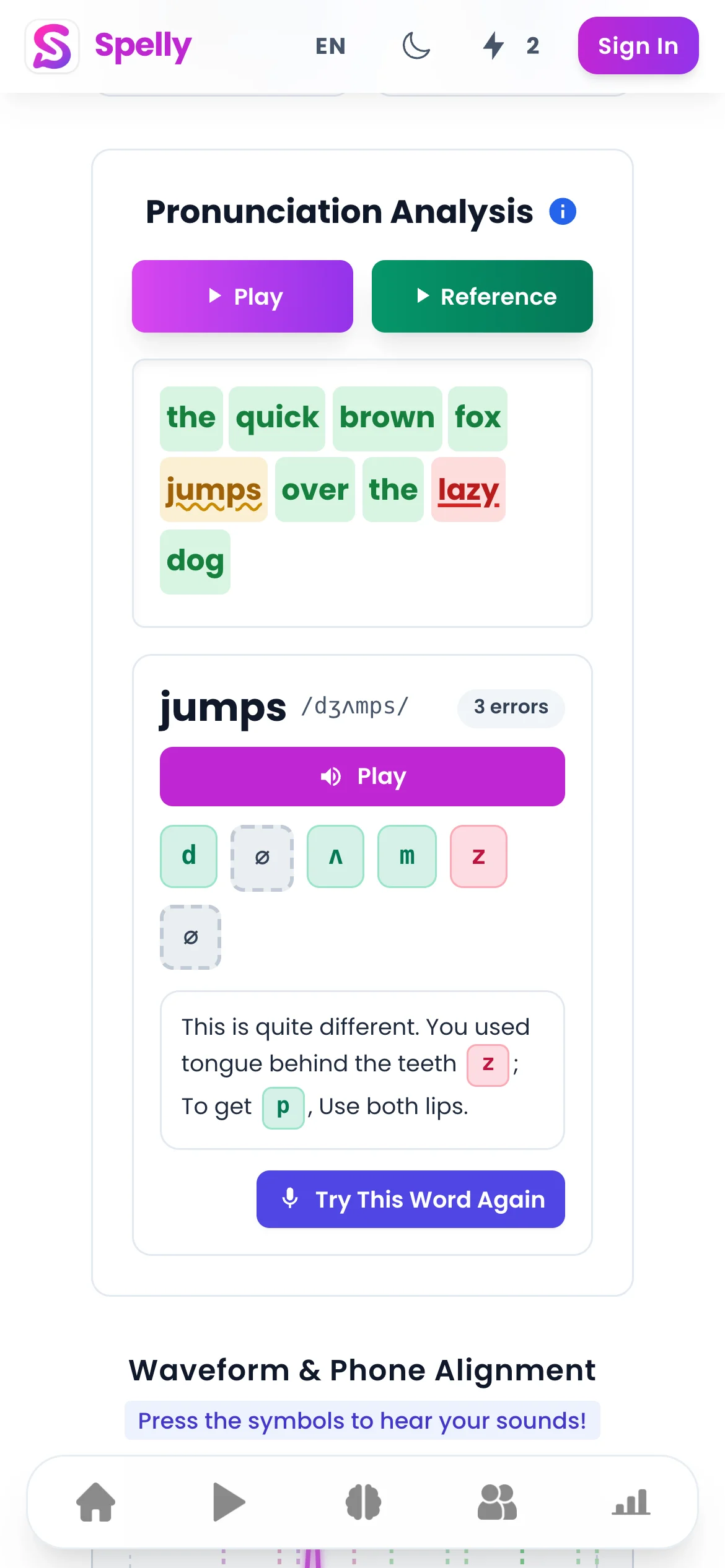
The best free AI pronunciation checkers analyze your speech at the phoneme level — meaning individual sounds, not just overall fluency scores — and give you specific feedback on which sounds were incorrect and why. Spelly offers phoneme-level pronunciation analysis for free, letting you see exactly which sounds you produced correctly and which need work, without requiring a subscription.

Try the free pronunciation checker now

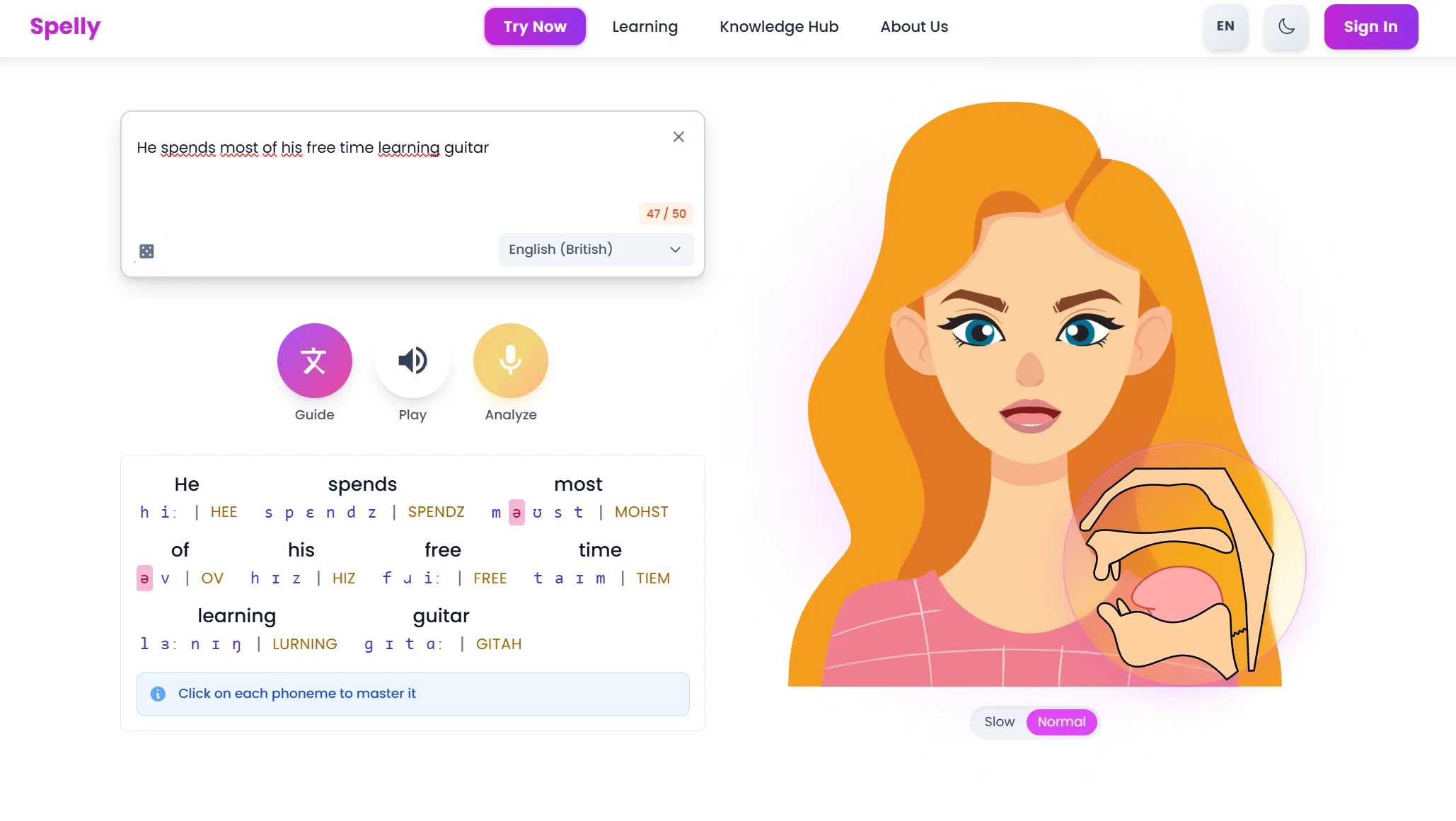
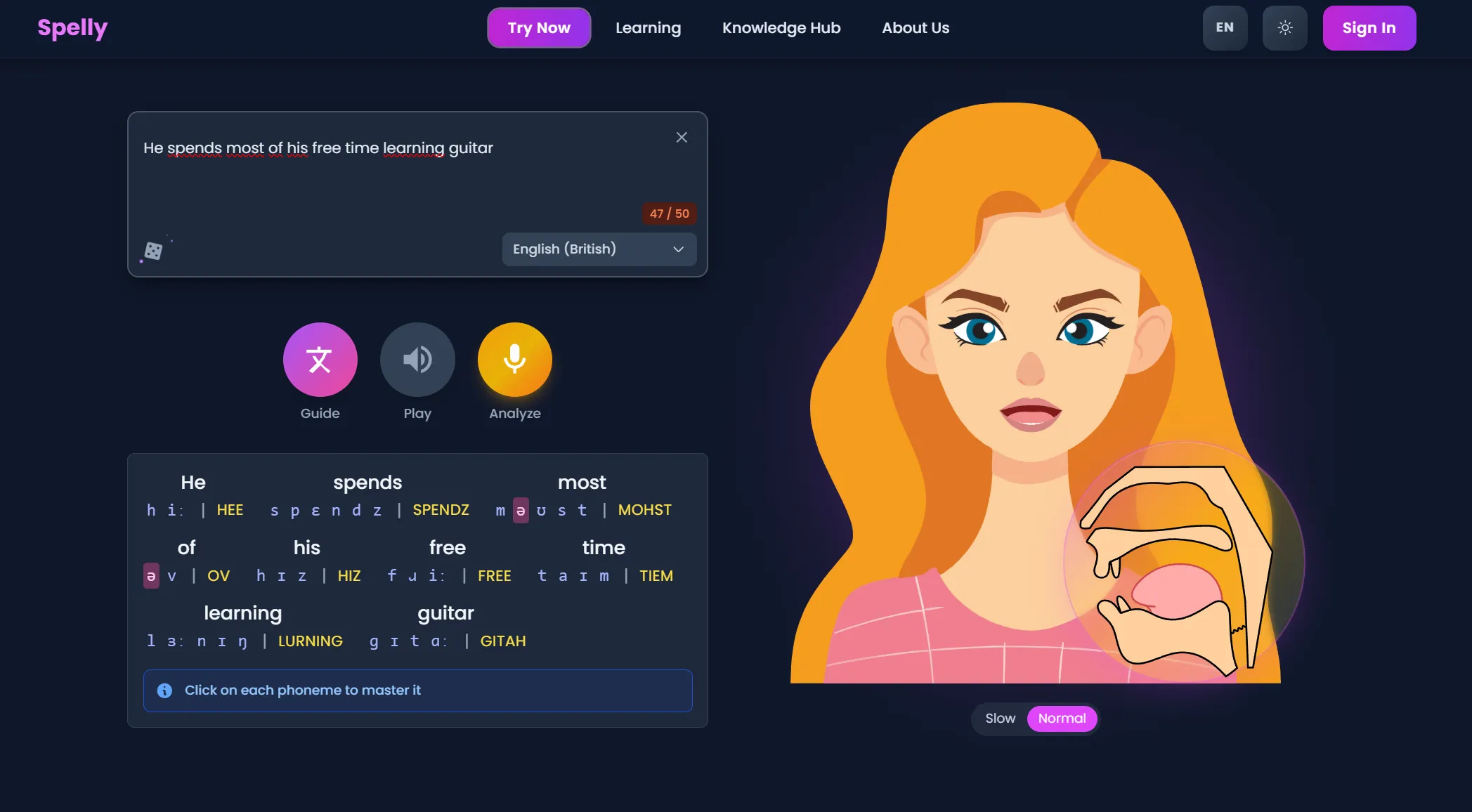
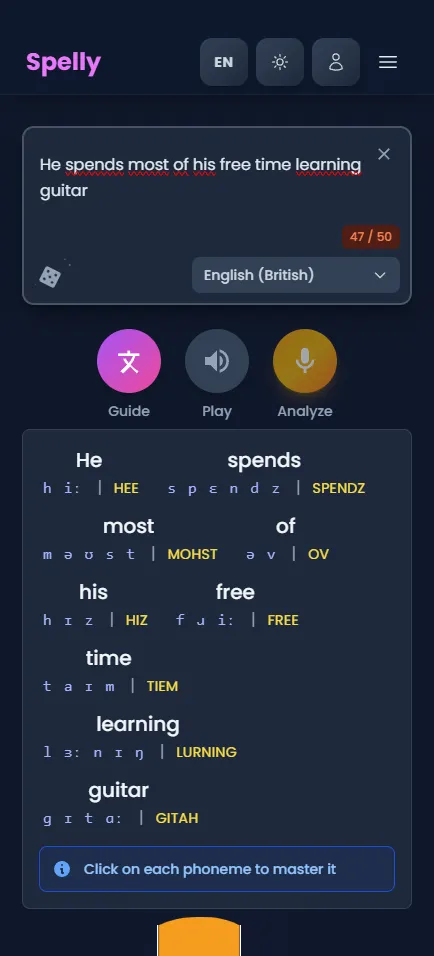
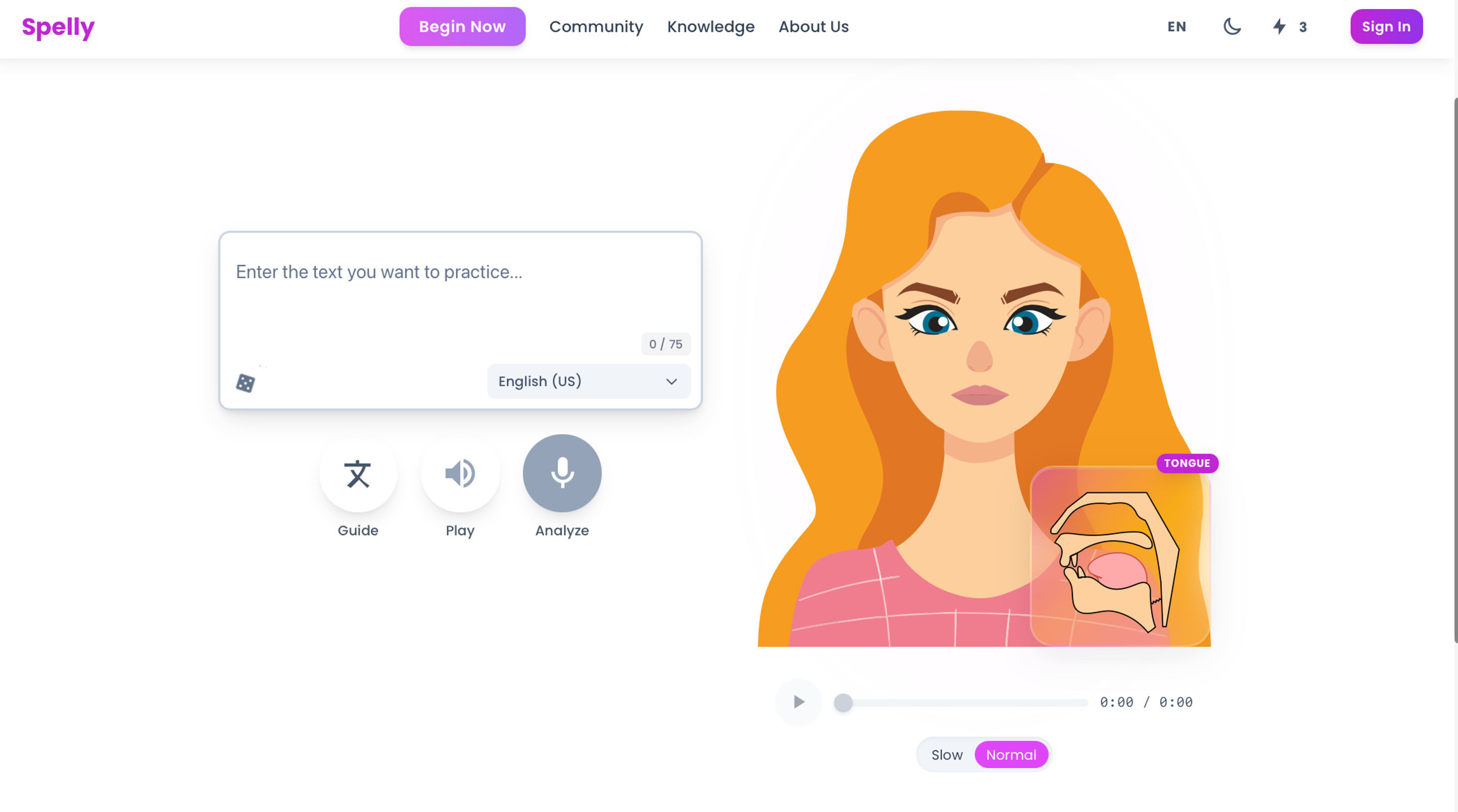
Say this sentence and get instant feedback on your individual sounds.

What to look for in a free AI pronunciation checker

FeatureGood tool has itBasic tool misses it
Phoneme-level feedbackShows exactly which sounds are wrongOnly gives a fluency or accuracy score
Word-level highlightingHighlights specific words with issuesReports whole-sentence pass/fail
Custom text inputYou choose any sentence to practiceLocked to predefined prompts
No account requiredWorks immediately in the browserForces registration before any feedback
Reference audioLets you hear the target pronunciationText-only feedback, no audio reference

Why phoneme-level feedback matters

Most pronunciation issues are not random — they follow predictable patterns based on your first language. Spanish speakers often struggle with the /v/ vs /b/ distinction. Mandarin speakers frequently have difficulty with consonant clusters. Bengali speakers often substitute /æ/ with /e/. A good AI pronunciation checker identifies these systematic errors rather than just flagging that something sounded off.

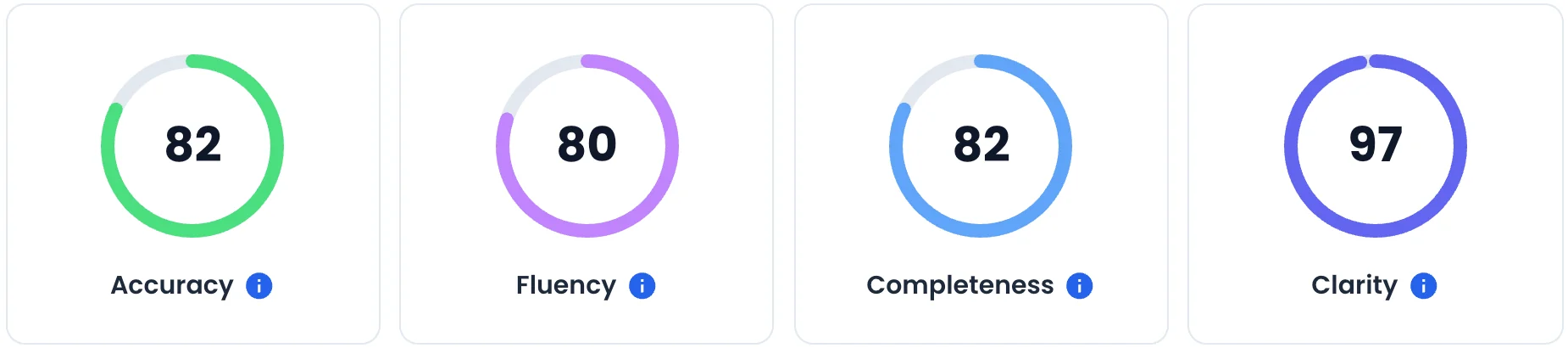
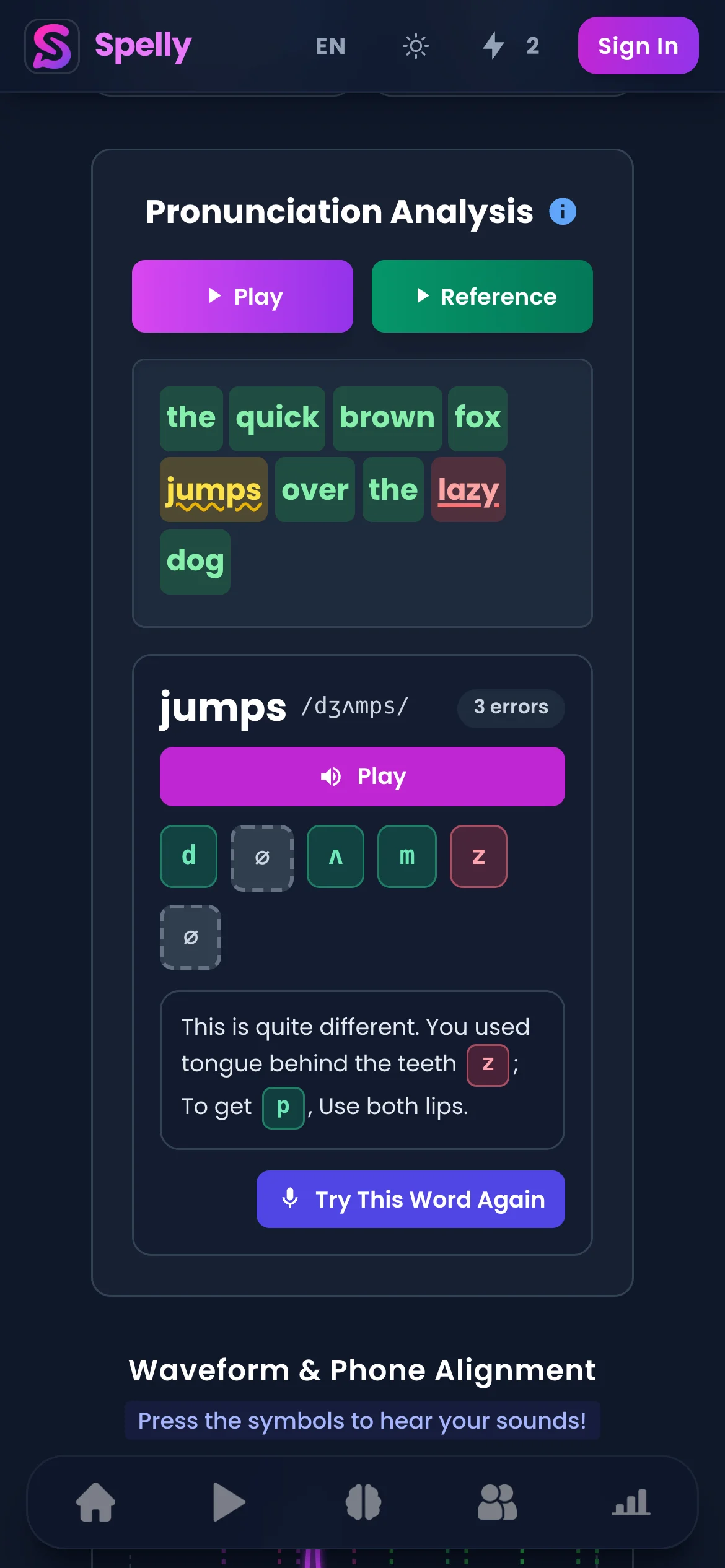
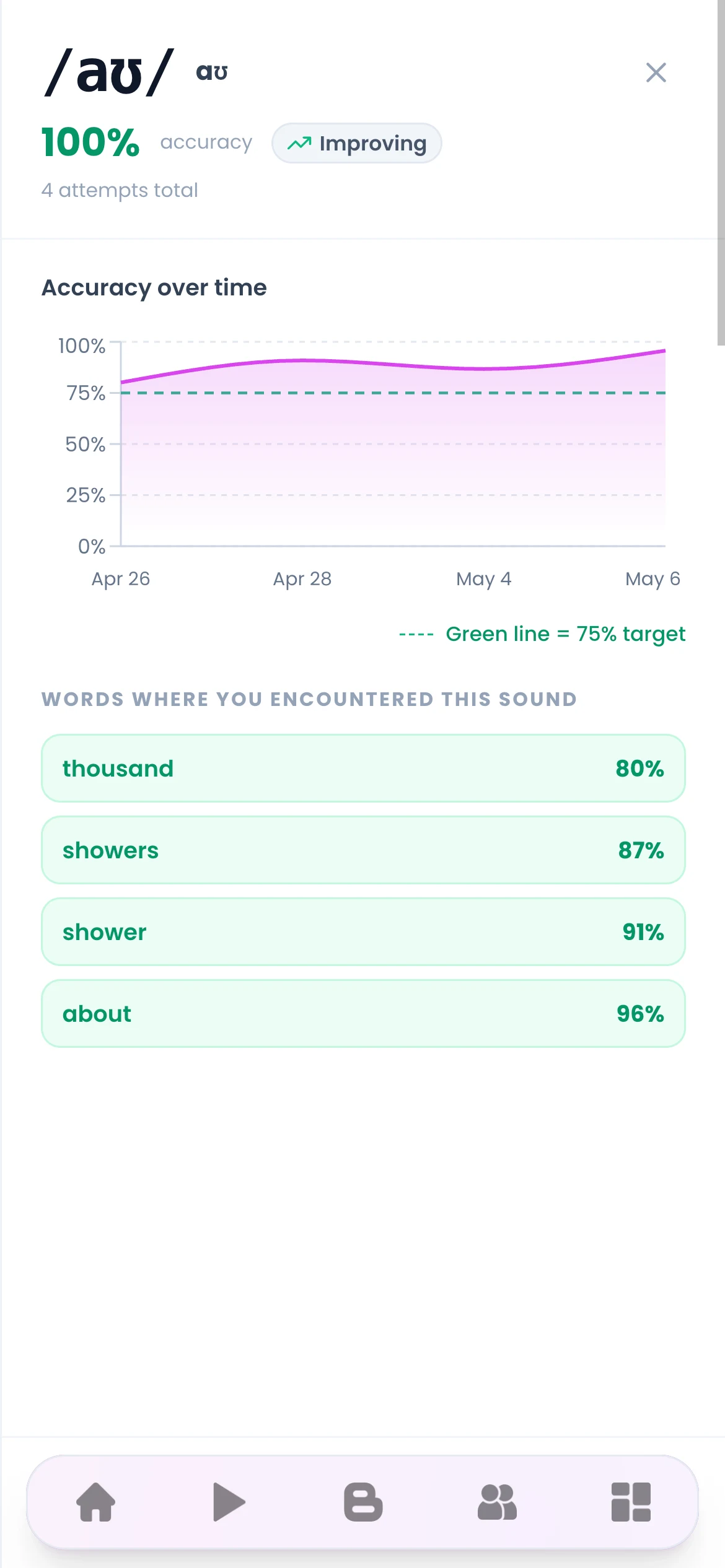
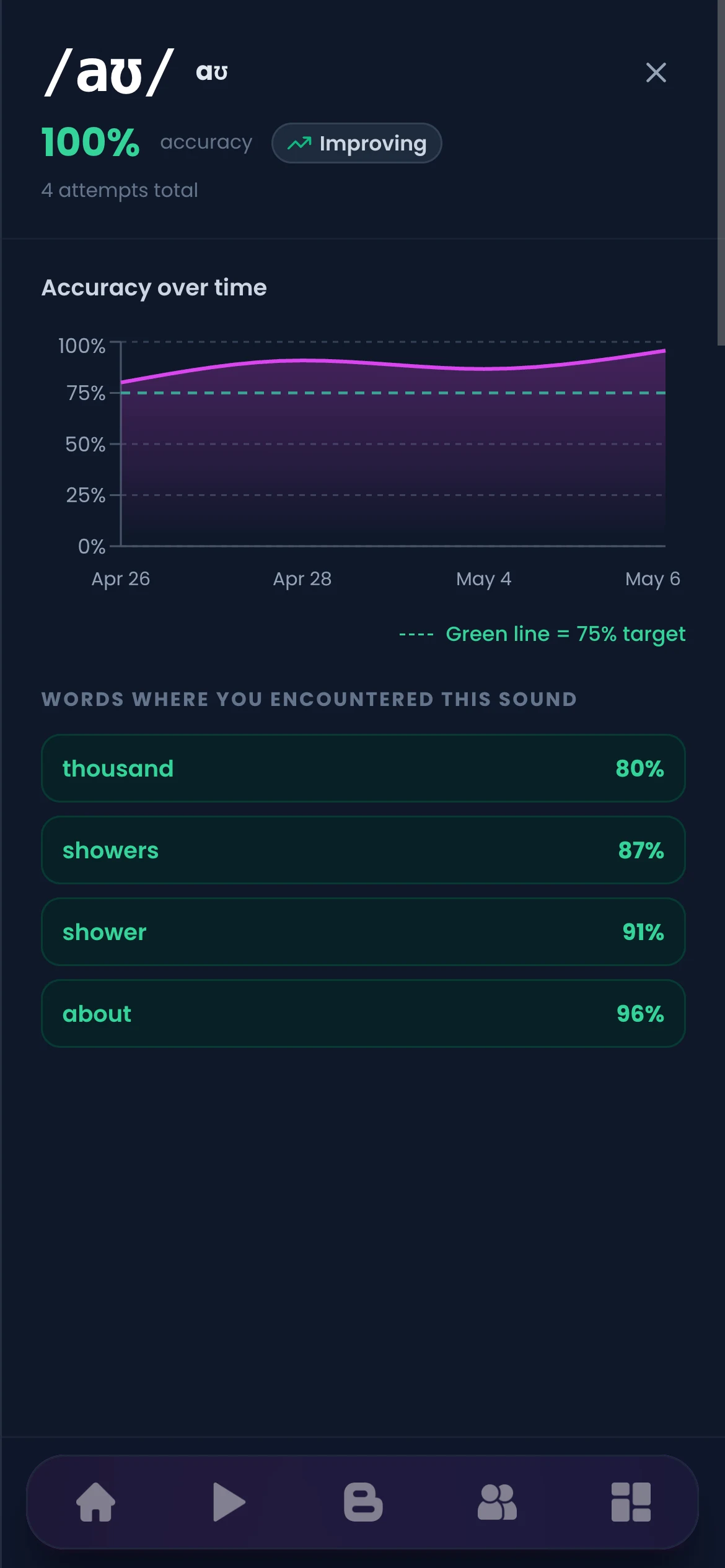
When you get phoneme-level feedback, you can see that your "th" in "three" was consistently produced as /f/ or /d/, for example. That is actionable information. A score of "73% accuracy" tells you nothing about what to fix.

For a deeper understanding of the phoneme inventory you are working with, read our guide on the IPA chart for English learners.

Practice a phoneme-dense sentence

This sentence contains several sounds that are commonly mispronounced. Use the checker to see which ones need attention.

How to use a free AI pronunciation checker most effectively

  1. Practice the same sentence multiple times — One recording is not enough data. Say the same sentence 5–10 times and look for patterns in the feedback. If the same phoneme is flagged repeatedly, that is your highest-priority target.
  2. Choose sentences that contain your problem sounds — If you know you struggle with the English /θ/ (as in "think" or "three"), deliberately select sentences that contain it rather than practicing sentences that avoid your weak spots.
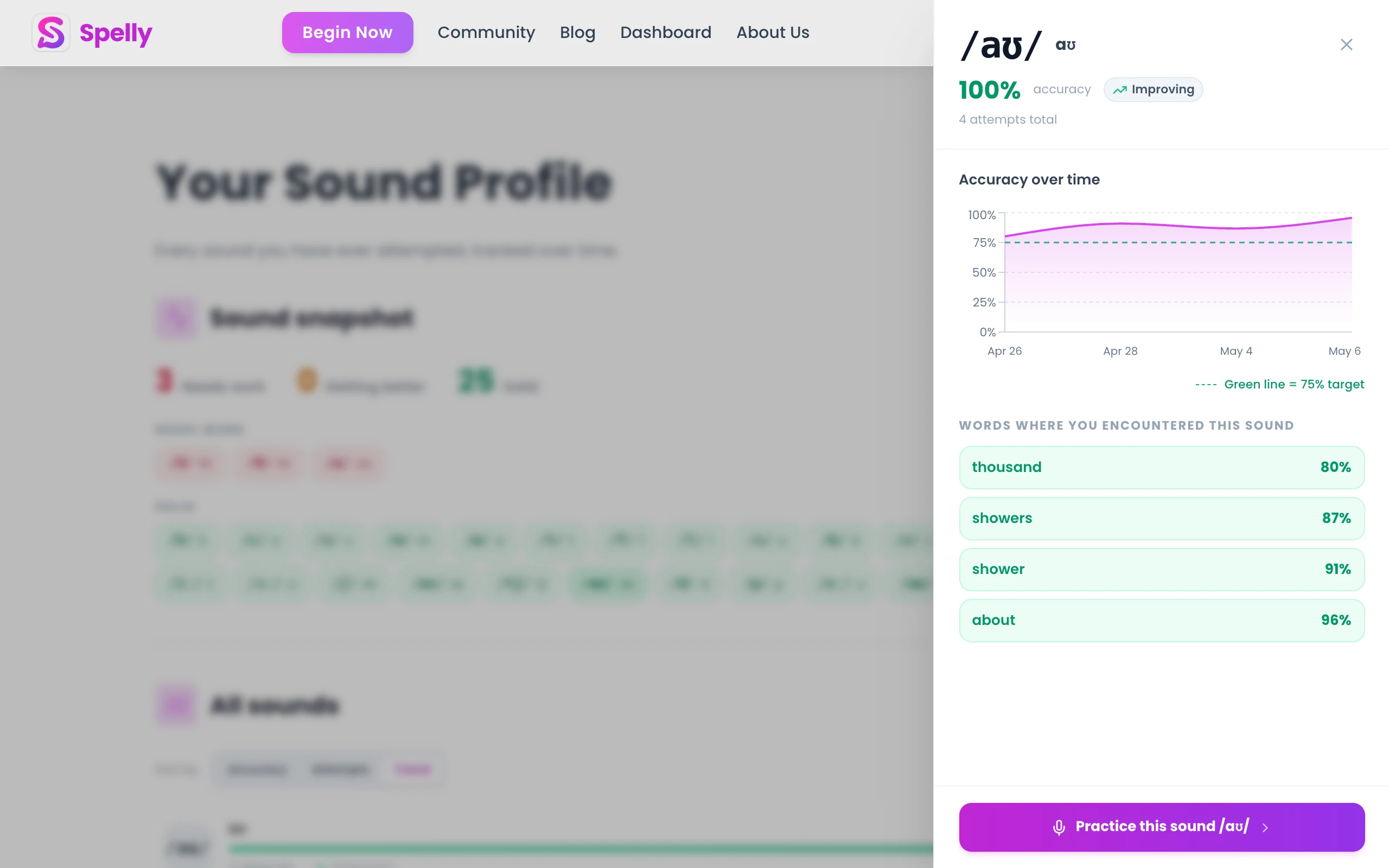
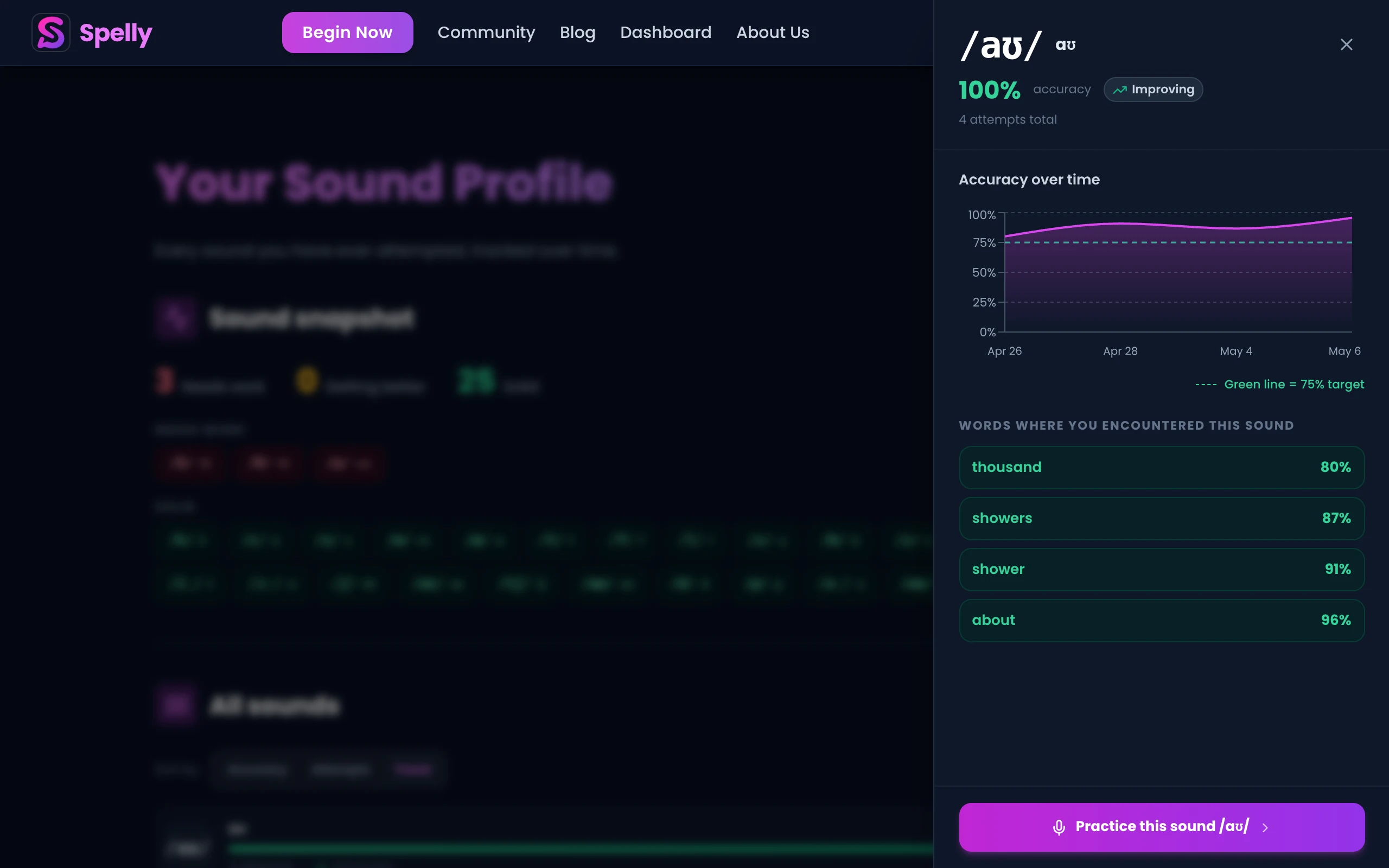
  3. Compare feedback across days — Keep a note of which sounds were flagged. Review the same sentence on different days to measure whether you are improving on specific phonemes.
  4. Use the audio reference before recording — Listen to the target pronunciation first, then record yourself. The gap between what you hear and what you produce is smaller when you have a clear mental model of the target.
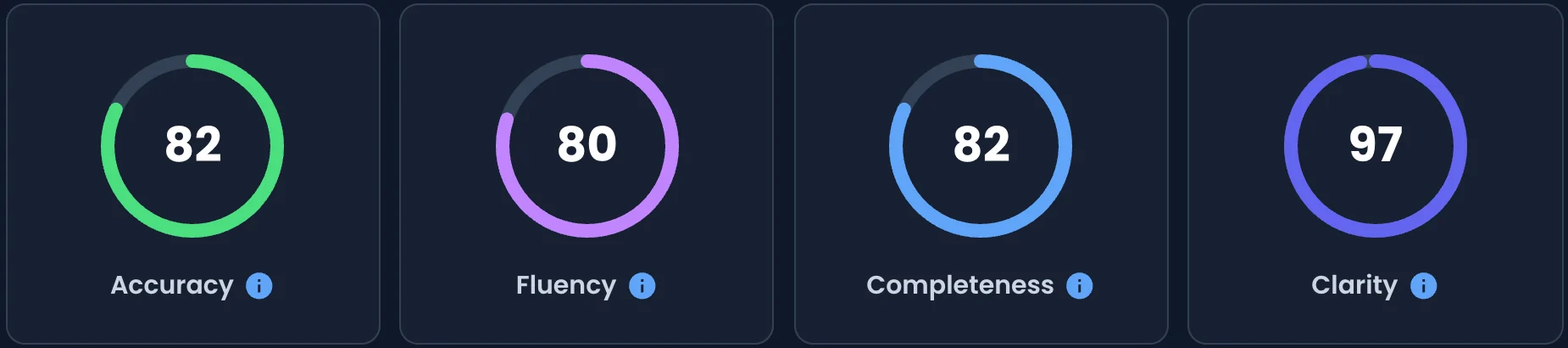
  5. Focus on the sounds, not the score — If your score goes up but a specific phoneme is still wrong, that phoneme is still a problem. Use the per-sound data, not the headline number.

Limitations of free AI pronunciation checkers

Even the best free tools have genuine limitations that are worth knowing:

  • Prosody and intonation: Most pronunciation checkers focus heavily on phoneme accuracy and give less feedback on intonation, stress, and rhythm — the suprasegmental aspects that are equally important for naturalness.
  • Context dependence: Phonemes change based on their phonological context (connected speech, coarticulation). A free AI tool checking isolated phonemes misses how those phonemes behave in running speech.
  • Accent bias: AI pronunciation models are trained on specific accent data, usually American or British English. Feedback may be skewed if your target accent is different from the model's training data.
  • No curriculum: A free checker tells you what's wrong but typically doesn't provide structured practice paths. You need to decide what to work on and in what order.

For structured practice that goes beyond pronunciation checking, consider pairing free feedback with a specific technique. Shadowing and minimal pairs practice are the two most evidence-backed complements to AI feedback.

FAQ

What is the best free AI pronunciation checker in 2026?

Spelly is one of the few free tools that provides phoneme-level pronunciation feedback rather than just a fluency score, making it actionable for targeted improvement.

Can I check my English pronunciation online for free?

Yes — Spelly's pronunciation tool works directly in the browser with no account required. You type any sentence, record yourself, and receive phoneme-level feedback instantly.

Is AI pronunciation feedback accurate?

Modern AI pronunciation models are quite accurate at the phoneme level, especially for common English sound contrasts. Less reliable for rare sounds or atypical acoustic conditions.

How is Spelly different from other pronunciation apps?

Spelly analyzes which specific phonemes you produced correctly or incorrectly, rather than returning an overall score. This gives you a clear target for practice rather than a vague rating.

Do I need to create an account to use Spelly's pronunciation checker?

No account is required to use the core pronunciation checker on Spelly. You can start practicing immediately and create an account later if you want to track progress over time.

Check your English pronunciation for free — right now

Spelly's AI shows you the exact phonemes you got right and the ones to work on. No account, no paywall, no fluency score that tells you nothing. Just phoneme-level feedback on any sentence you choose.

Try Spelly free

SHARE THIS:

No comments yet

Unexpected token '<', "<!DOCTYPE "... is not valid JSON